Setlist Builder
A stage-ready setlist that sizes itself to fill the page: numbers, keys, dividers, colors and your band's logo. Save a PDF or print it.
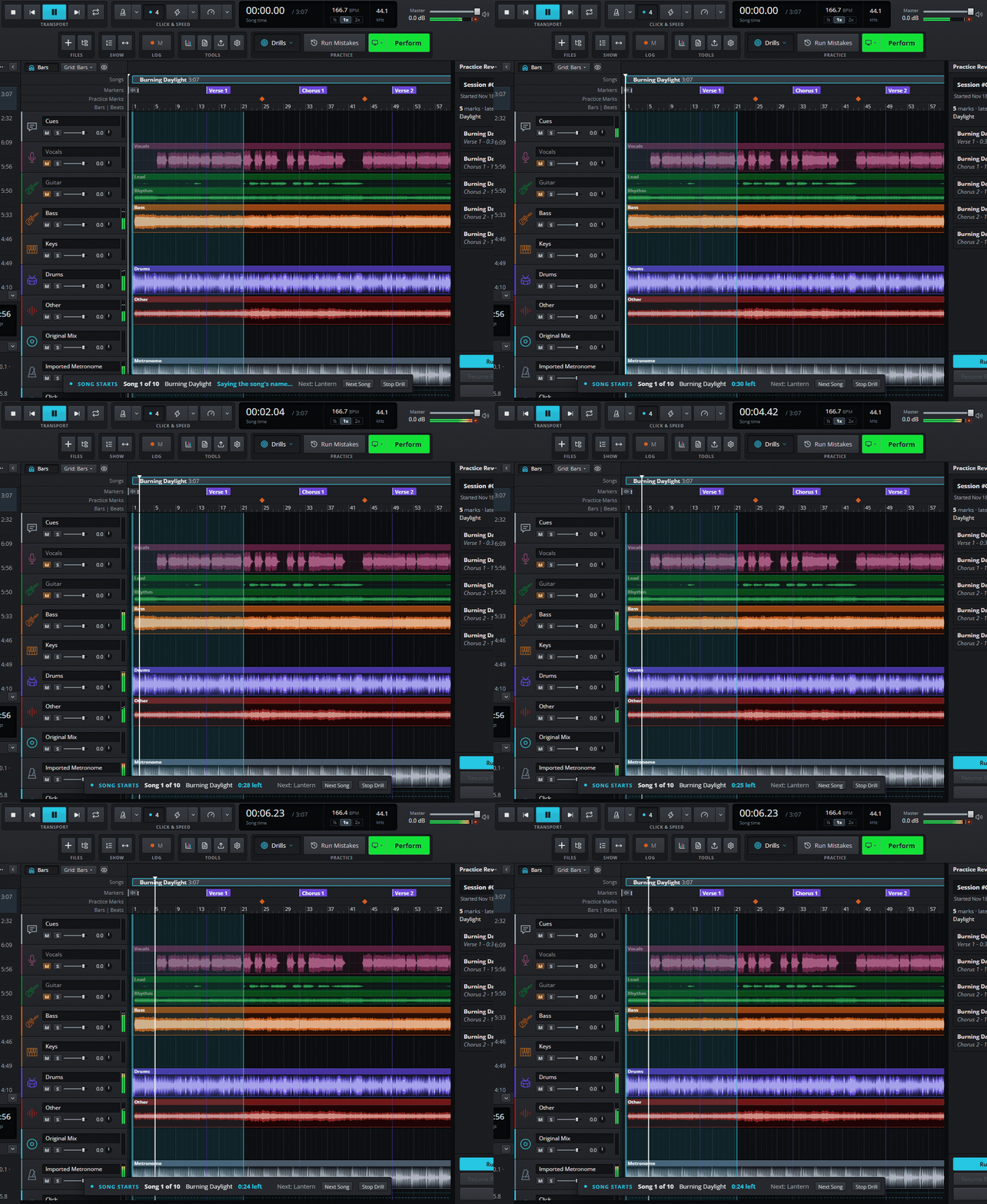
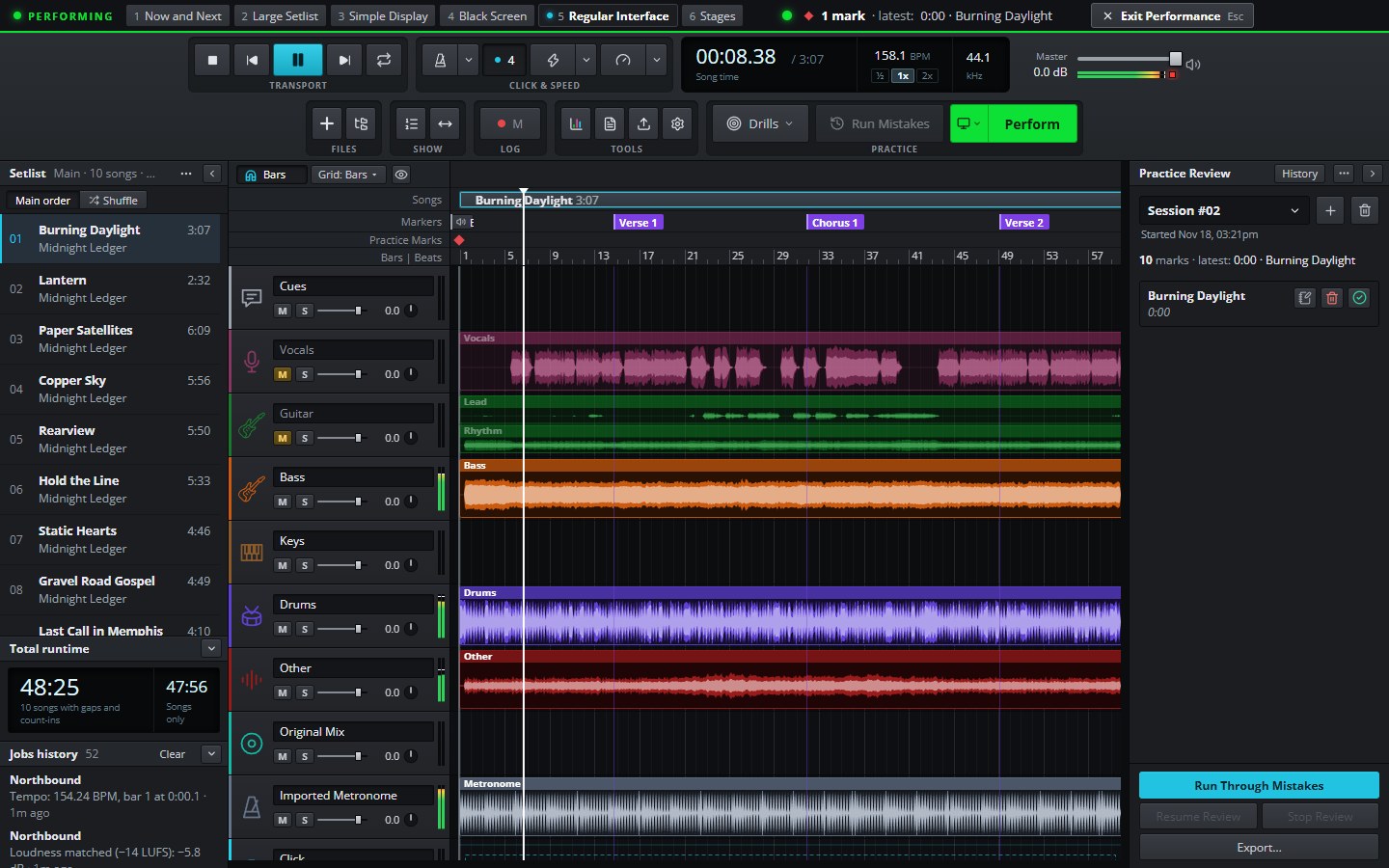
Load your setlist and your stems, mute your part and play the whole show with the band. Mark every mistake without stopping, then drill exactly those spots until they're solid.
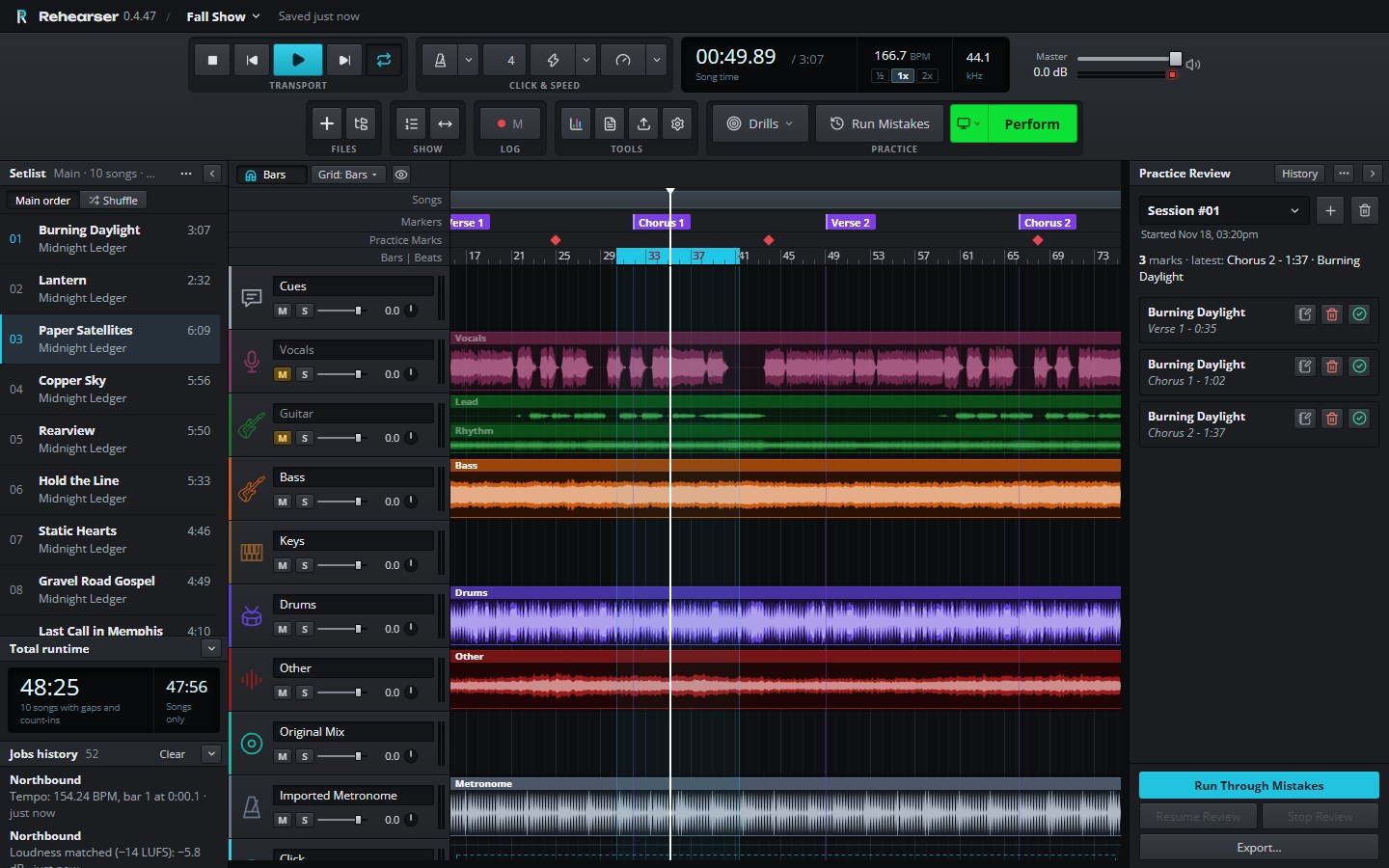
The real app, shown with a sample show: your setlist, every part on its own track, and the spots you marked waiting on the right.
“Matt's improvement in rhythm and performance was apparent in the FIRST band rehearsal we had after he told me about the program.” Chris Strickler · Christopher Shayne
Three steps from a list of songs to a full run-through.
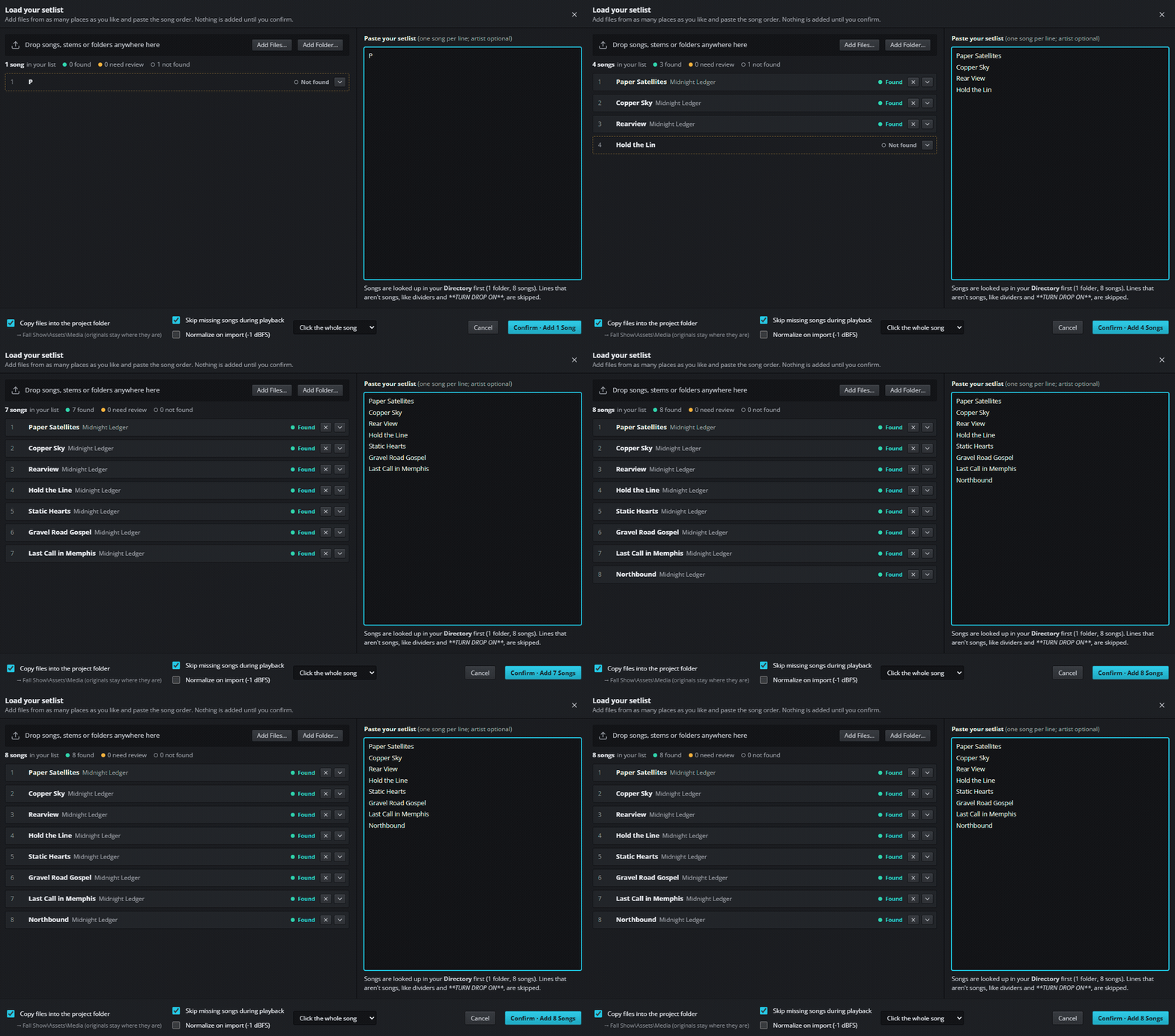
Paste your setlist. Rehearser finds each song in your music folders and lines them up in order. Drop in stems or whole folders and every part lands on its own track.
Tell Rehearser what you play once. Your instrument is muted in every new show, and the rest of the band is ready to go, leveled to the same loudness.
Run the show and tap M whenever something goes wrong. Afterwards, loop each mark, slow it down, and run through all of them back to back.
Type or paste your setlist, one song per line. Rehearser looks each song up in your music folders and builds the show in that order.
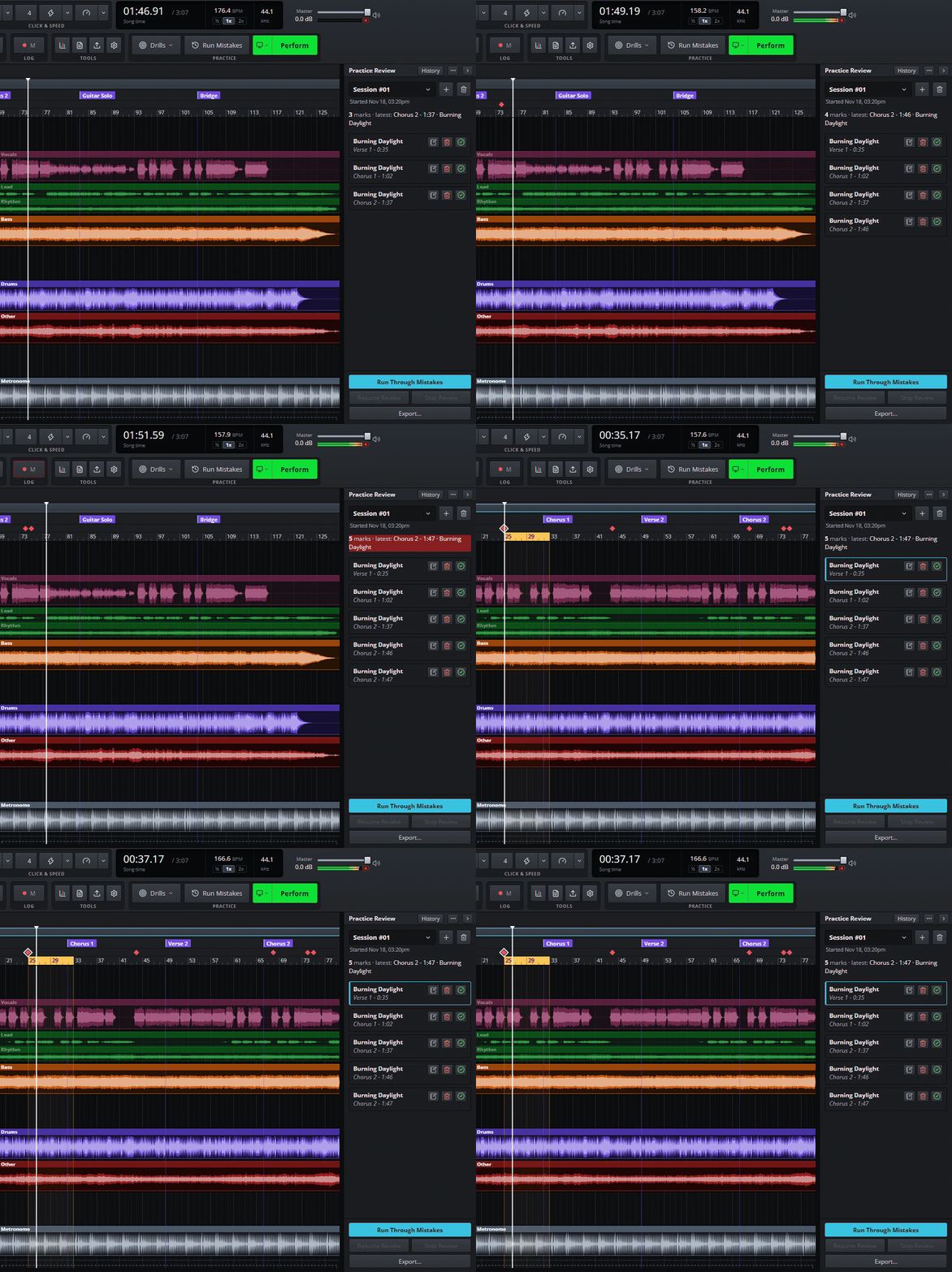
Press M mid-song and keep playing. Every mark drops on the bar where the trouble started and waits in Practice Review.
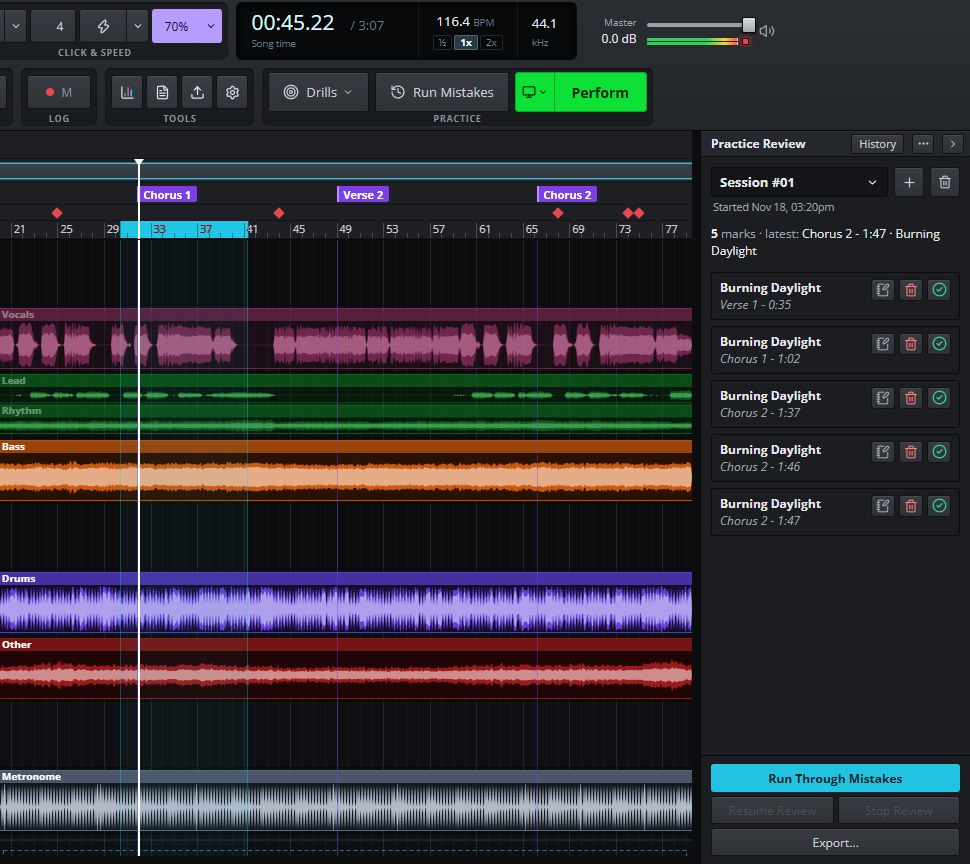
Loop the hard part and let the speed trainer take it from 70 % to full tempo, a step every pass. Speed and pitch change without touching each other.
Most train-wrecks happen at the start of a song or coming out of a solo. Drills put you there, again and again.
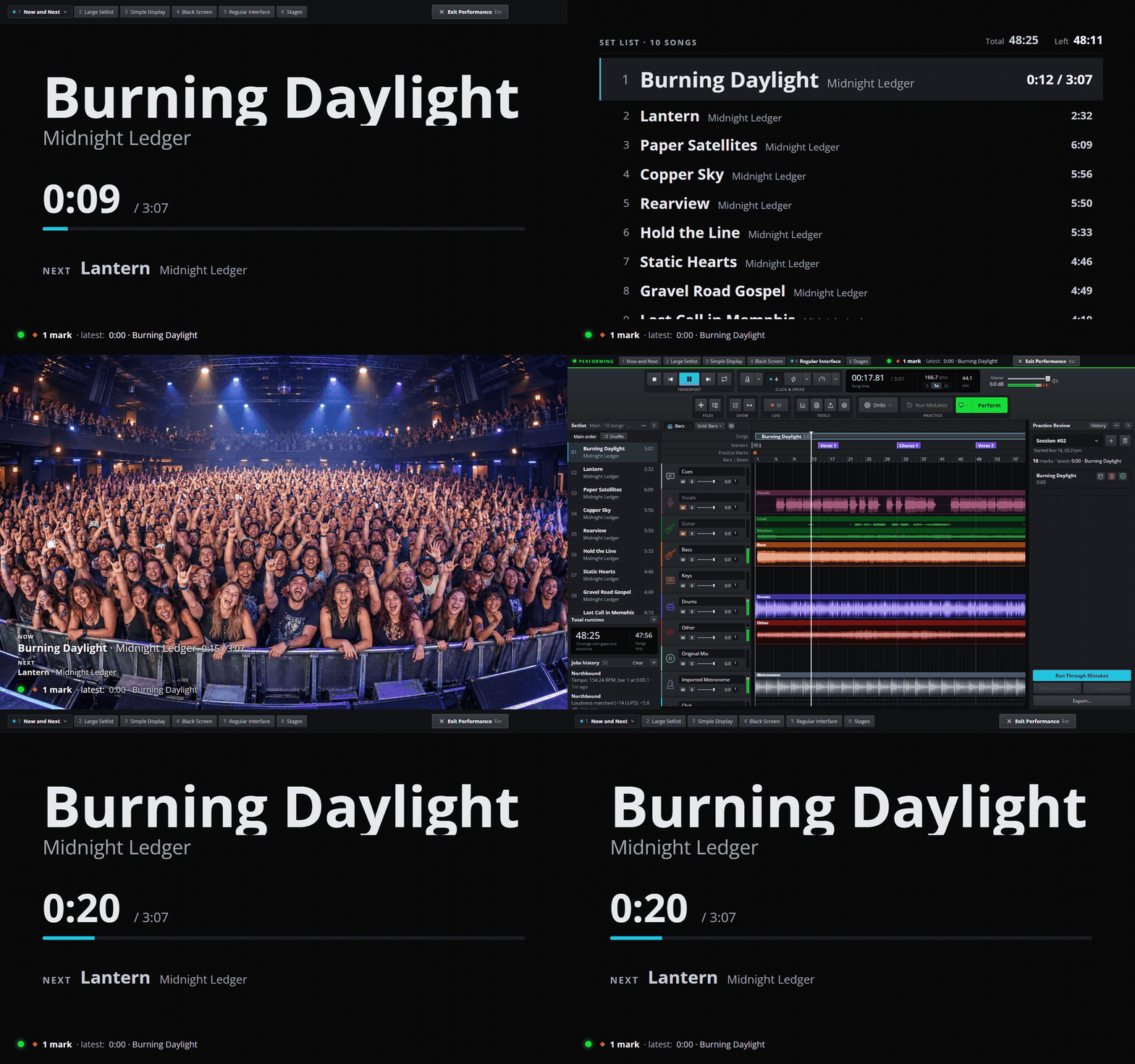
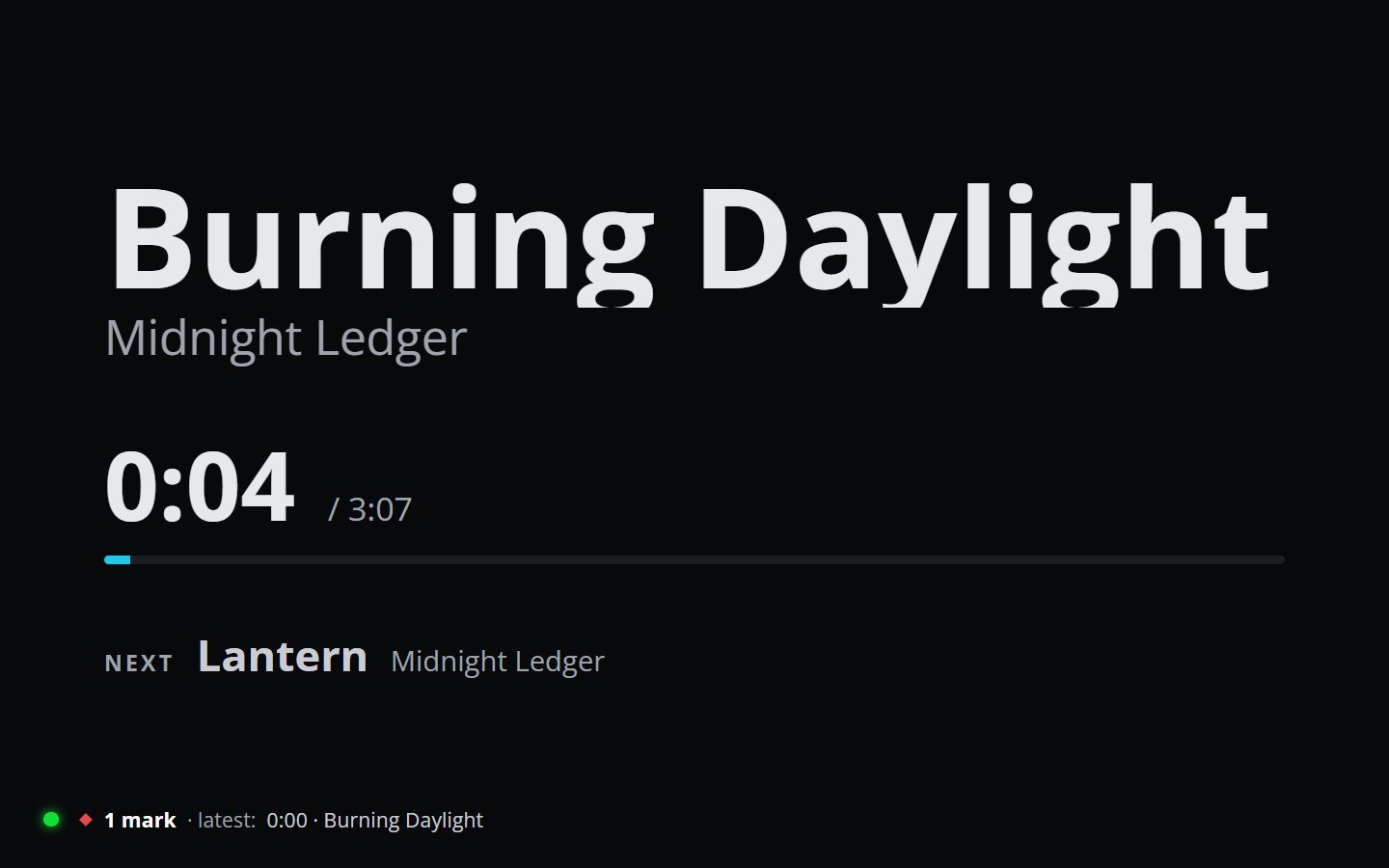
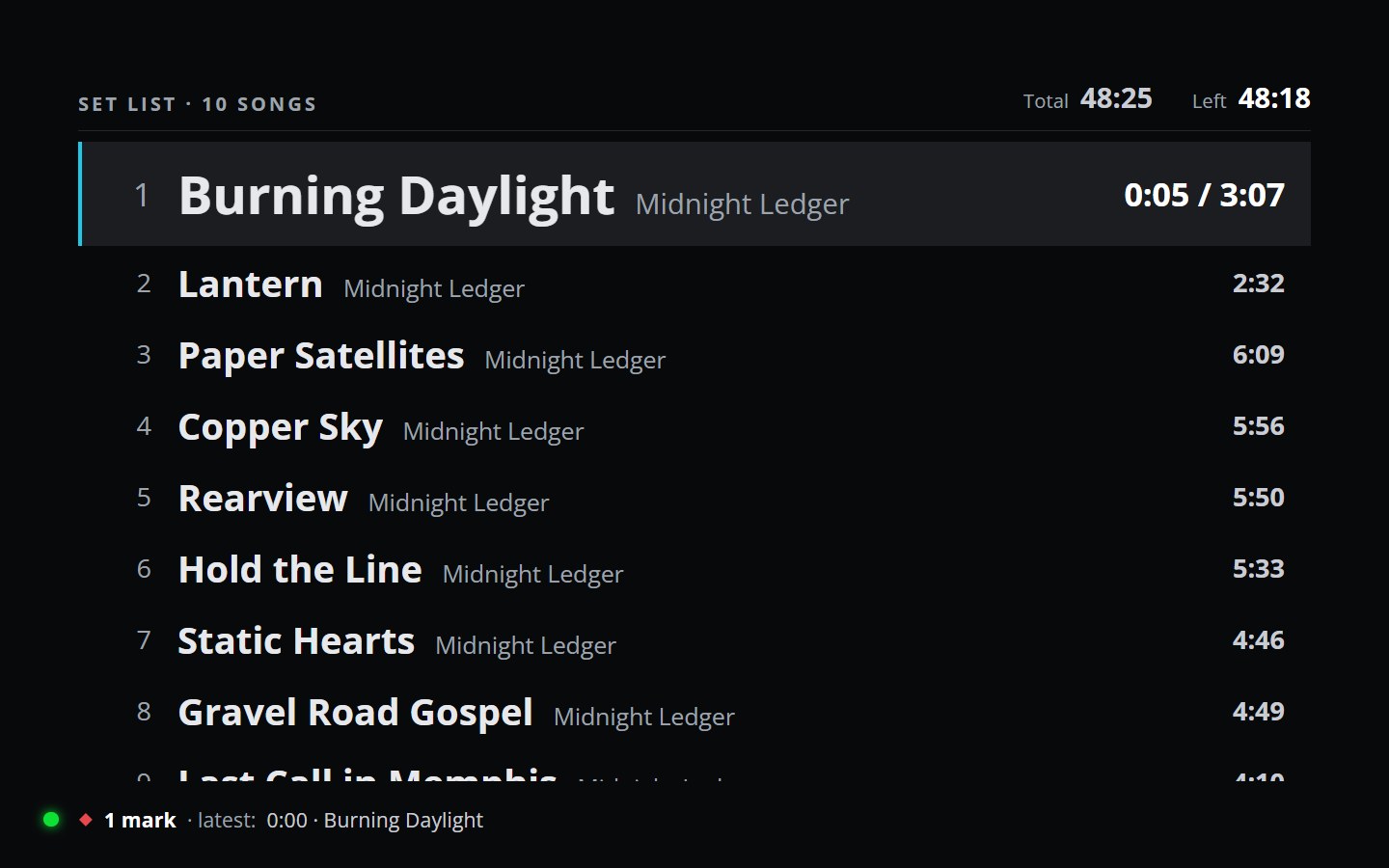
Perform plays the set from the top, full screen, with no going back. Finish it, and it counts as a real run-through.

Rehearser finds the beat of every song. Songs with their own click play it; the rest get Rehearser's.
Label Verse, Chorus, Solo and Outro with one key, and jump between them with [ and ].
A voice calls out “Chorus”, “Solo” or “Bridge” a few beats early, plus each song's name before its count-in.
Live recordings and studio masters play at the same loudness, without changing your files.
Set the silence and count-in between songs once, or song by song, and hear the set the way you'll play it.
Shuffle the set to test your memory, while your real running order stays safe.
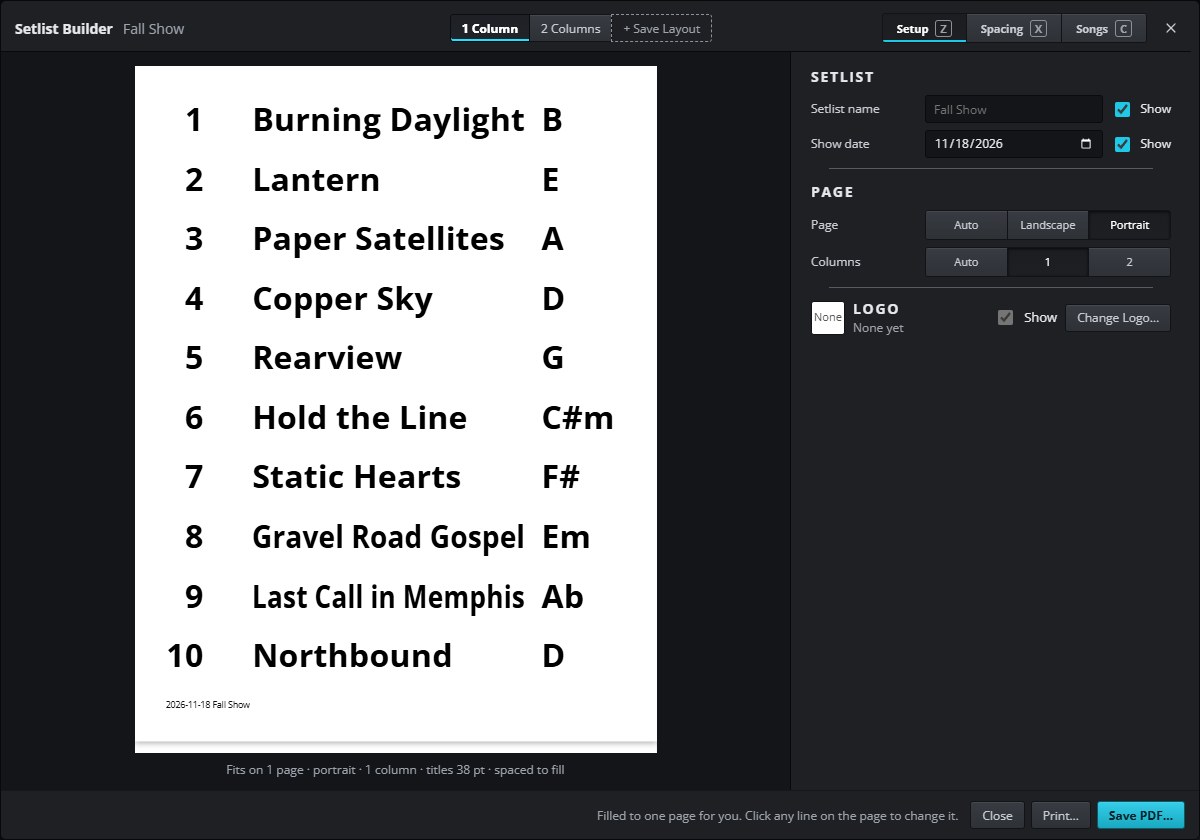
A stage-ready setlist that sizes itself to fill the page: numbers, keys, dividers, colors and your band's logo. Save a PDF or print it.
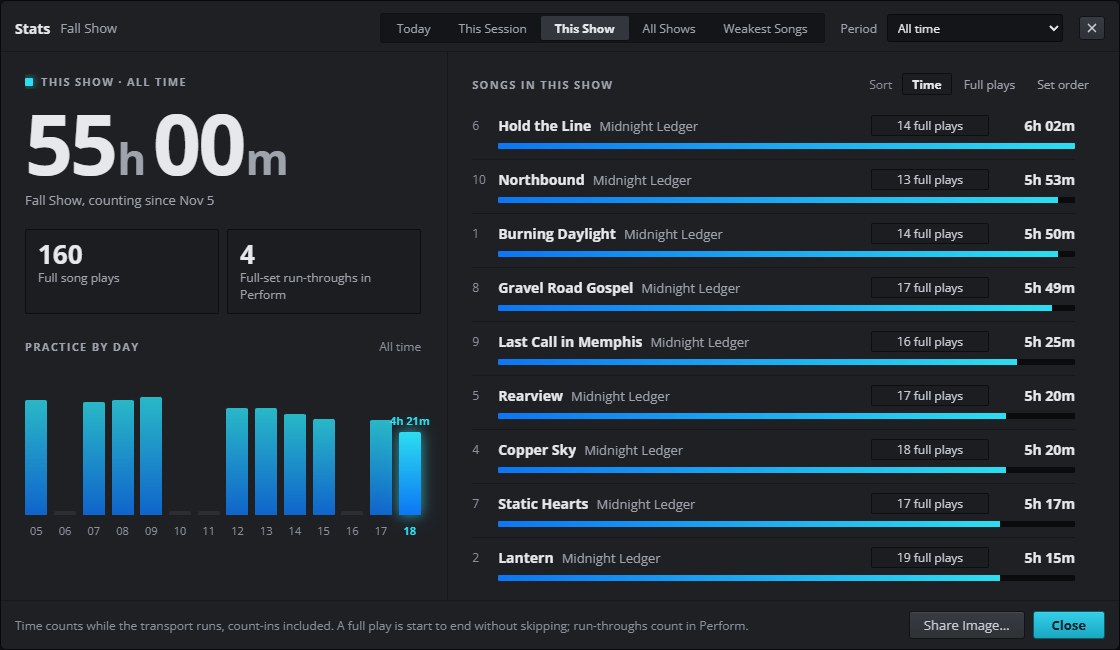
Practice time, full plays and complete run-throughs, by day, by show and by song. Weakest Songs shows where the marks keep coming back.
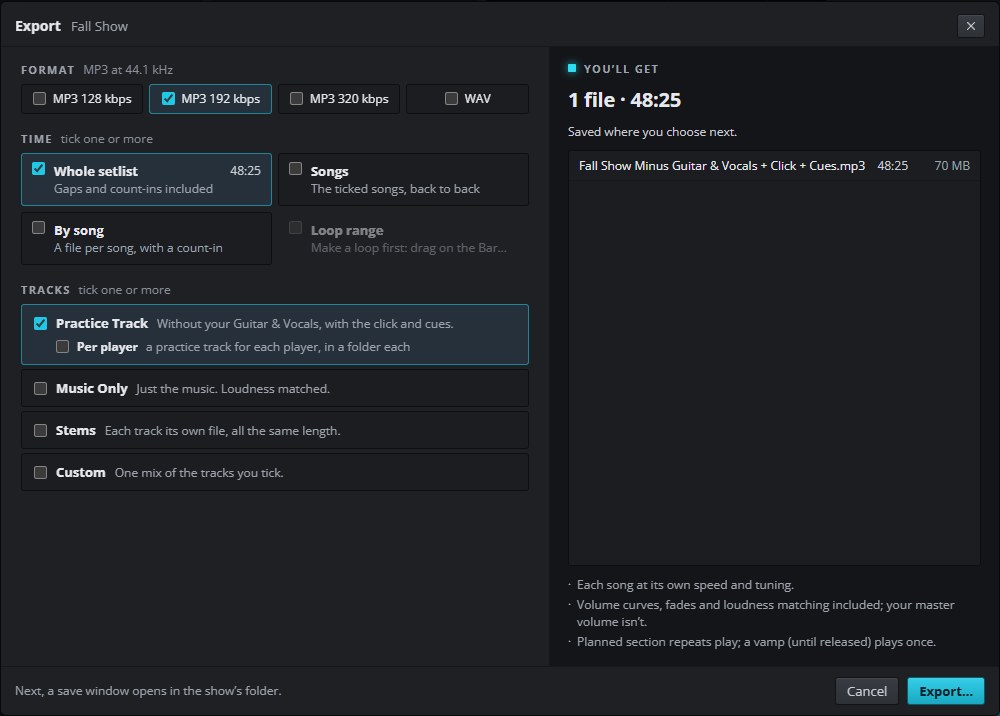
Take the show with you: a practice track without your part, a mix for every player in the band, the music alone, or every stem. MP3 or WAV.
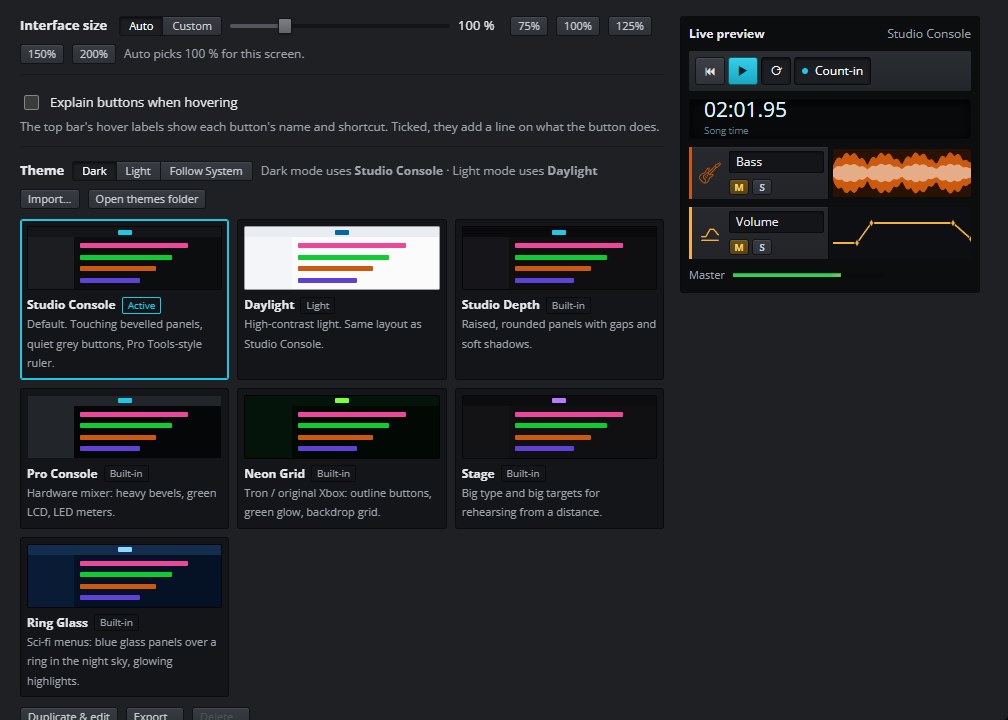
Clear waveforms, bars and beats, snapping, keyboard shortcuts for everything, interface scaling, and themes you can make your own.
Rehearser runs on your computer. Your songs are never uploaded anywhere and your original files are never changed.
Whether you have 48 hours to learn a 30-song set or you're polishing the show you've played for years.
Learning a new set every month.
Preparing a fresh setlist every week.
Stepping into someone else's show.
Working through songs part by part.
One license per computer, so get a pack for the whole band. No subscription.
Prices in USD; tax may apply. Refunds as set out in our Terms of Service. Payments are processed securely by Creem, our merchant of record.
Each license activates one computer. Reinstalling on the same computer is free; a new computer uses another license from your pack.
By buying you agree to the Terms of Service and Privacy Policy. Questions before you buy? [email protected]
MP3, WAV, FLAC, OGG and Opus play directly. M4A (AAC and Apple Lossless), AAC and AIFF are converted to an MP3 copy by your computer in the background. Full mixes and stems both work, and stems from Moises are recognized automatically.
No. Split your songs with Moises or another stem tool, then drop the folder of parts into Rehearser: each one lands on the right track. Full mixes work too; you just can't mute a single instrument in them.
No. Your files stay exactly where and how they are. Volume, trims and loudness matching are saved in your Rehearser show, not in the audio.
Only to activate your license, for a quick re-check about every six months, and for update checks (which you can turn off). Rehearsing works fully offline.
Windows 10 and 11, and macOS on both Apple Silicon and Intel Macs.
Perform mode gives you full-screen views built for the stage, from a huge Now and Next to a black screen, with your setlist and song clock always readable. Rehearser is built first for rehearsal, so test it in your rig before relying on it for a gig.
Email [email protected]. We answer within 3 business days, usually much sooner.
Reinstalling on the same computer keeps its license. A new computer uses another license from your pack, which is why licenses come in packs.
Drop in your songs, mute your part, and start rehearsing in minutes.
Windows 10 & 11 · macOS (Apple Silicon & Intel)